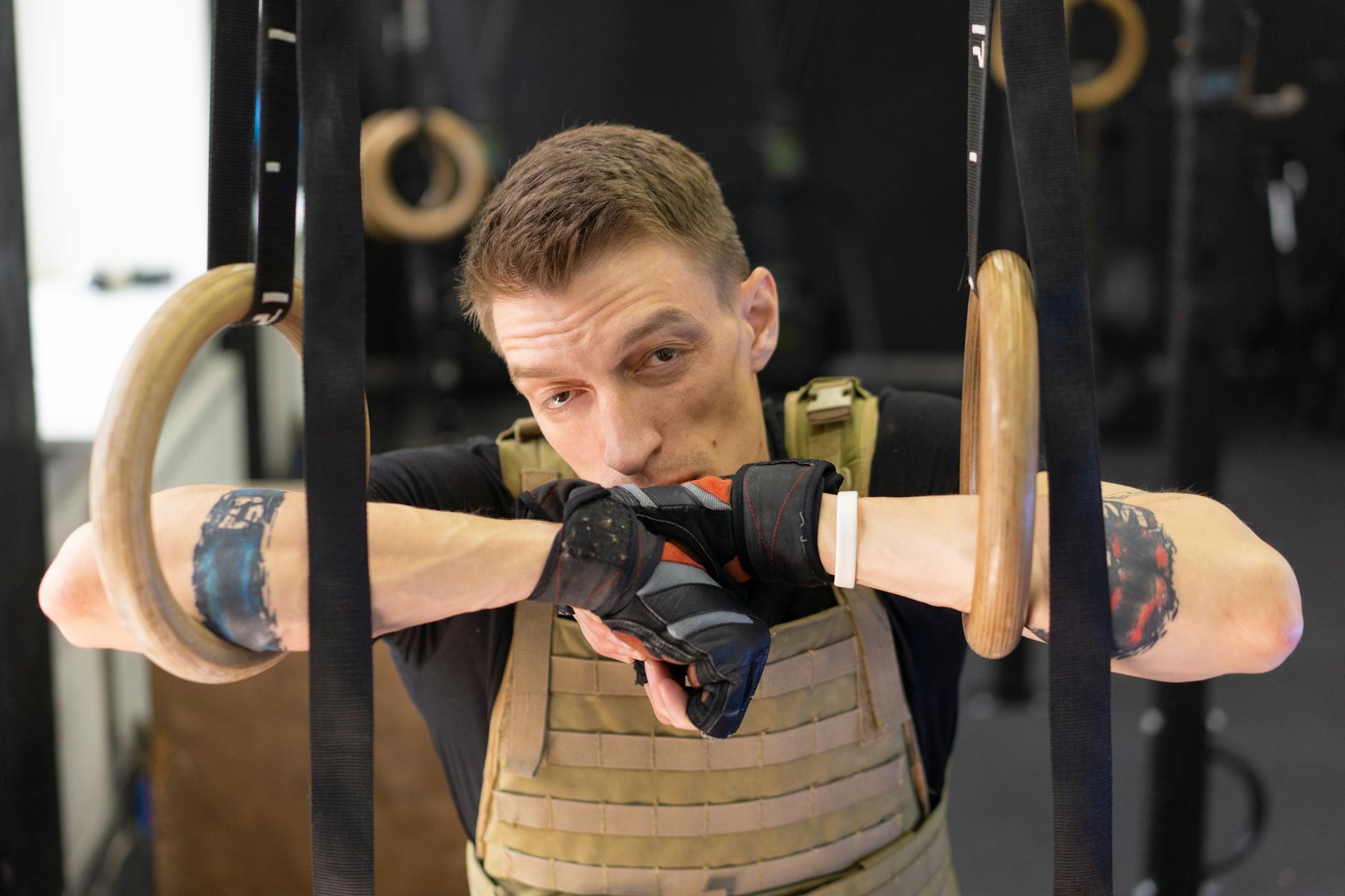
HIIT needs a timer that shouts at you. Your phone’s stopwatch does not shout, and you are not going to squint at it halfway through a set of burpees.
The problem is that “interval timer” covers about six different jobs. A fixed 20/10 Tabata timer and a CrossFit WOD clock are not the same tool, and buying the wrong one is why people go back to the stopwatch.
Here are eight, sorted by what you actually need them to do.
How this list is sourced
I have not run all eight of these through a training block, and you should be sceptical of any blog that says it has.
What I have done is verify the checkable parts. Every app name, developer, star rating and rating count below was pulled from the US App Store on 11 August 2026. Where I describe behaviour, that comes from the app’s own store listing and documentation.
Prices are mostly left out on purpose. Almost every timer here is free to download and monetises through a subscription or an in-app unlock that varies by region and promotion. A figure typed into a blog post goes stale in weeks. The one paid-upfront app in this list has its price listed because the App Store publishes it directly.
No star scores of my own. The only ratings on this page are Apple’s.
The interval formats, in plain English
Most timer confusion is vocabulary confusion. Four formats cover nearly everything.
Tabata — 20 seconds hard, 10 seconds rest, 8 rounds. Four minutes total. Fixed. A Tabata timer needs no configuration at all.
EMOM — every minute on the minute. The clock signals each new minute, you do the prescribed work, and whatever’s left of the minute is your rest. A timer needs a repeating one-minute chime, not a work/rest split.
AMRAP — as many rounds as possible in a set window. This is just a countdown from, say, 12:00. Any timer can do it.
For Time — a count-up stopwatch with a cap. You’re racing the clock rather than obeying it.
Custom intervals — anything else. Different work and rest lengths, warm-up, cooldown, multiple blocks chained together. This is the format that separates real interval apps from simple ones.
Work out which of those you actually do before you look at a single app. Most people need two formats, not six.
A correction about Tabata
Tabata gets described online as scientifically proven to burn more fat than steady cardio, usually with no source attached. Worth knowing what the original study actually was.
Izumi Tabata and colleagues published it in Medicine & Science in Sports & Exercise in 1996. It compared six weeks of moderate steady-state cycling against six weeks of high-intensity intermittent cycling. The intermittent protocol was seven to eight sets of 20 seconds at roughly 170% of VO2max with 10 seconds rest. The intermittent group’s VO2max rose and their anaerobic capacity went up 28%.
Two things the internet leaves out. The intermittent group was seven people, and they trained on a mechanically braked cycle ergometer, not doing burpees in a garage. And the study measured aerobic and anaerobic capacity, not fat loss, which it did not test at all.
That’s a real result and a genuinely brutal protocol. It is not a fat-loss law, and 20/10 with bodyweight moves is not the thing that was tested. Use it because four minutes fits your schedule and it works you hard, not because a study you haven’t read said so.
Pick your category first
- You only ever do 20/10 → a dedicated Tabata timer, zero setup
- You build your own work/rest patterns → a full interval timer
- You do CrossFit-style WODs → a WOD clock that speaks AMRAP and EMOM
- You want the timer visible across a room → a gym-display timer
Quick comparison
Developers, ratings and rating counts verified on the US App Store, 11 August 2026.
| App | Developer | Rating | Ratings | Built for |
|---|---|---|---|---|
| Interval Timer – HIIT Timer | Float Tech, LLC | 4.8 | 85,774 | General intervals |
| Tabata Timer and HIIT Timer | Anuj Seth | 4.8 | 73,643 | Tabata first |
| Timer Plus – Workouts Timer | Agroross Trading | 4.8 | 59,158 | General intervals |
| SmartWOD Timer – WOD Clock | SmartWOD GmbH | 4.9 | 54,031 | CrossFit formats |
| Seconds Interval Timer | Runloop Ltd | 4.7 | 23,488 | Complex sequences |
| Tabata Pro HIIT Interval Timer | SIMPLETOUCH LLC | 4.9 | 17,603 | Tabata first |
| Interval Timer – Tabata Timer | NEO PIXEL LABS | 4.5 | 19,016 | General intervals |
| GymNext Flex Timer | 1804282 Ontario Limited | 4.8 | 2,066 | Gym display |
All eight are free to download. Several sell an unlock or subscription on top. Check the listing before you commit.
If you just want Tabata and nothing else
Tabata Timer and HIIT Timer — 4.8 stars, 73,643 ratings
From Anuj Seth. The 20/10 pattern is the default, so the whole interaction is open, press start, go. It handles other interval patterns if you want them, but the reason to pick it is that you don’t have to.
Choose this if you want zero configuration and a big rating count behind it.
Tabata Pro HIIT Interval Timer — 4.9 stars, 17,603 ratings
From SIMPLETOUCH LLC. Highest-rated app in this list, on a serious number of ratings. Same fixed-protocol idea with a cleaner presentation.
Choose this if you like Tabata Timer’s approach but want the higher star average.
If you build your own intervals
Interval Timer – HIIT Timer — 4.8 stars, 85,774 ratings
From Float Tech, LLC. The most-rated timer on this page by a distance. Set your work, rest and round count and it runs, with audio cues that carry over music.
Choose this if you want the safest general-purpose option and don’t need anything exotic.
Seconds Interval Timer — 4.7 stars, 23,488 ratings
From Runloop Ltd. This is the one for complicated sequences: multi-block timers, different work lengths per round, warm-up and cooldown segments, colour-coded intervals, saved and shareable timers.
Runloop also publishes Seconds Pro Interval Timer, a separate paid-upfront listing at $7.99, rated 4.8 across 11,959 ratings. That price comes straight from the App Store, which is why it’s the only figure quoted on this page.
Choose this if your workouts don’t fit a single work/rest pair. This is the power-user answer.
Timer Plus – Workouts Timer — 4.8 stars, 59,158 ratings
From Agroross Trading. General interval timing with a large rating base, worth checking against the Float Tech option since they overlap heavily.
Interval Timer – Tabata Timer — 4.5 stars, 19,016 ratings
From NEO PIXEL LABS. Included because it’s widely installed. Note it carries the lowest star average here, so read recent reviews rather than trusting the number alone.
If you do CrossFit
SmartWOD Timer – WOD Clock — 4.9 stars, 54,031 ratings
From SmartWOD GmbH. Built around CrossFit vocabulary rather than generic work/rest: AMRAP, EMOM, For Time, Tabata as presets you pick by name instead of building by hand.
The same developer publishes SmartWOD Workout Generator separately (4.9 stars, 4,840 ratings) if you want workouts as well as timing. They are two different downloads, not one app.
Choose this if you already think in WOD formats and are tired of translating them into work/rest fields.
If you want it visible across the gym
GymNext Flex Timer — 4.8 stars, 2,066 ratings
From 1804282 Ontario Limited. Designed to drive a large physical gym timer display over Bluetooth, with the phone as the remote. Smallest rating count in this list, and a niche most timer roundups ignore entirely.
Choose this if you’re running a class or a garage gym where nobody should be looking at a phone.
What actually matters in a HIIT timer
Audio you can hear mid-set. Not a polite ding. Different cues for work and rest so you don’t have to look.
Music ducking. The timer should lower Spotify rather than fight it or stop it. This is the single most common complaint in interval timer reviews.
Background and locked-screen operation. If the timer dies when the screen locks or you switch apps, it’s useless.
Prep countdown. Five to ten seconds to get into position before round one.
Saved workouts. Rebuilding a timer every session is how people give up on timer apps.
Apple Watch app, if you’d rather leave the phone on a bench. Optional, and haptic buzz on the wrist beats audio in a loud gym.
Questions the roundups skip
Does it work with the screen locked? Varies by app and by iOS version. Check recent reviews for your specific app rather than trusting a feature list, because this breaks and gets fixed repeatedly.
Will it interrupt Spotify? Some duck the volume, some pause the track, some play over the top. If this matters, test it once at home before you rely on it.
Are there ads mid-workout? Free tiers of free-to-download timers pay for themselves somehow. An ad between rounds ruins a four-minute Tabata. This is the strongest argument for paying for whichever timer you settle on.
Can I export my sessions? Mostly no. Interval timers are timers, not trainers. If you want the work logged, use a separate tracker.
Do I even need one? For AMRAP and For Time, honestly no — a countdown or a stopwatch does the job. Dedicated apps earn their place on repeating work/rest patterns, where counting rounds yourself is the thing that breaks.
FAQ
What’s the difference between HIIT and Tabata? Tabata is one specific HIIT protocol: 20 seconds work, 10 seconds rest, 8 rounds. HIIT is the whole category of hard-then-easy interval training. Every Tabata session is HIIT. Most HIIT is not Tabata.
Which free HIIT timer has the most users behind it? Interval Timer – HIIT Timer from Float Tech, at 85,774 ratings and 4.8 stars, is the most-rated free timer in this list.
Which one handles complicated interval patterns? Seconds Interval Timer. It’s built for multi-block sequences that a single work/rest pair can’t express.
Do I need Apple Watch support? No. It’s a convenience. A phone with loud cues works fine, and wrist haptics only really win in a noisy gym.
Can I run music at the same time? Yes, in practice all of these coexist with a music app. How gracefully they duck the audio is the part that varies, so test it before a session you care about.
How much HIIT should I be doing? The WHO recommends adults get 150 to 300 minutes of moderate activity or 75 to 150 minutes of vigorous activity per week, plus muscle strengthening on two or more days. HIIT counts toward the vigorous side. It is not a substitute for the whole picture, and it is hard enough that stacking it daily is a recovery problem.
Related reads:
- Pomodoro Timer Apps Compared — a different kind of interval
- AI Workout Apps — programming rather than timing
- Workout Planner Apps That Build Custom Programs — what to do between the beeps
Disclosure: Tempo and GymCoach are mine
I build iOS apps. Tempo is an interval timer and GymCoach generates training programmes.
Neither appears in the comparison table, in any of the ranked sections, or in a single FAQ answer above. That’s deliberate — I compete with these apps, so scoring them against my own is not a test you should trust. If the “build your own intervals” section describes what you need, Tempo is an option alongside the ones listed. Judge it on its App Store reviews, not on this page.
Sources
- Tabata I, Nishimura K, Kouzaki M, et al. Effects of moderate-intensity endurance and high-intensity intermittent training on anaerobic capacity and VO2max. Med Sci Sports Exerc. 1996;28(10):1327-30.
- World Health Organization — Physical activity fact sheet
- App names, developers, ratings and rating counts: US App Store via the iTunes Search API, 11 August 2026.
This article is general information, not medical advice. Talk to a qualified professional about anything affecting your health.
— Dolce
Comments
Comments powered by Giscus. Sign in with GitHub to comment.