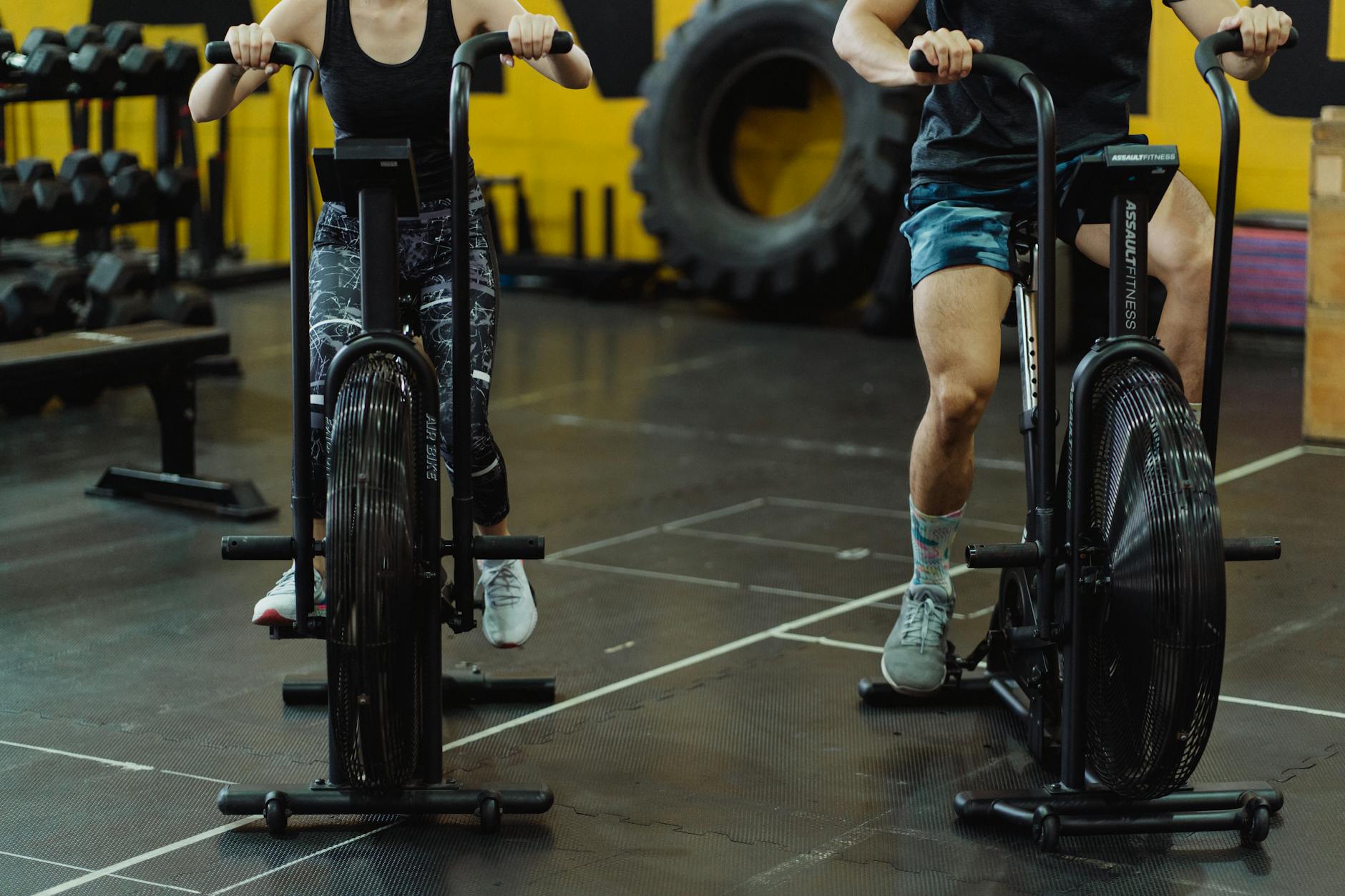
You’re new to the gym. The last thing you need is an app with forty-seven features and an opinion about your rate of perceived exertion.
Here are the free gym trackers worth knowing about, what their free tiers actually do, and the thing you should sort out before you install any of them.
How this list is sourced
Every developer name, star rating and rating count below was pulled from the US App Store on 11 August 2026. What each app does comes from its own store listing.
There are no star scores or “simplicity” ratings invented by me. An earlier version of this page had both, with no methodology behind either. They’re gone. The only ratings here are the App Store’s.
I’m not quoting subscription prices. Every app below is free to download. The paid tiers move with region and promotion, and the figures the previous version of this page carried were wrong. Hevy was listed at $60 a year, which does not match any current source I could find. Open the App Store listing and read the price there.
Free-tier boundaries change without notice. I’ve described them where the store listing is clear, but treat any specific limit as “true when I checked” rather than permanent. That applies to every article on this subject, including the ones that don’t admit it.
Read this before you pick an app
Most beginners don’t have a tracking problem. They have a “what do I do today” problem.
A tracker records what you did. It does not tell you what to do. If you open the app and don’t know which exercises to put in it, another tracker won’t fix that. What fixes it is picking one established beginner programme and running it for three months:
- Stronglifts 5x5: five exercises, three days a week, add weight each session. There’s a free app for it (Stronglifts Limited, 4.9 stars, 76,553 ratings).
- Reddit’s r/Fitness Basic Beginner Routine: free, written up in full, no app required.
- GZCLP: slightly more structure, well documented, free.
- Boostcamp: BPM Health Co., 4.8 stars, 9,705 ratings. A library of established programmes, free to download, if you’d rather browse than google.
Pick one. Then use any tracker below to log it. That order matters more than which app you choose.
What actually matters in a beginner tracker
- Last time’s numbers, visible. The single most useful thing a tracker does is tell you what you lifted a week ago so you know what to do today.
- Logging a set in a couple of taps. If it takes longer, you’ll stop between the gym and the car park.
- An exercise library you can search badly. You should find the bench press without knowing it’s called that.
- A rest timer. So you’re not scrolling for four minutes between sets.
What you don’t need yet: periodisation tools, RPE fields, one-rep-max calculators, macro tracking, a social feed.
Comparison
Developers, ratings and rating counts verified on the US App Store, 11 August 2026. All are free to download.
| App | Developer | Rating | Ratings | Best at |
|---|---|---|---|---|
| Hevy - Workout Tracker Gym Log | Hevy Studios S.L. | 4.9 | 85,393 | Clean logging, routines |
| Strong Workout Tracker Gym Log | Strong Fitness PTE Limited | 4.9 | 108,480 | iPhone and Apple Watch |
| JEFIT Workout Plan Gym Tracker | Jefit Inc. | 4.8 | 46,811 | Exercise demonstrations |
| SmartGym: Gym & Home Workouts | Mateus Abras | 4.7 | 33,194 | Apple ecosystem depth |
| RepCount - Gym Workout Tracker | Siper Apps AB | 4.9 | 12,978 | Stripped-back logging |
| Lyfta: Gym Workout Tracker Log | Lindberg Development AS | 4.8 | 6,100 | Guided exercise animations |
The apps
Hevy: 4.9 stars, 85,393 ratings
Hevy Studios S.L. The highest star average of the two big logging apps, and the one most people land on first. Clean interface, easy set logging, routine templates, charts that a beginner can read without a tutorial.
The free tier is the reason it gets recommended: you can log workouts and use the exercise library without paying. There is a paid Pro tier (monthly, annual, and a one-time lifetime option), and where the free tier stops has moved before, so check the current listing rather than an article.
Pick this if you want the friendliest starting point and don’t have strong requirements yet.
Strong Workout Tracker Gym Log: 4.9 stars, 108,480 ratings
Strong Fitness PTE Limited. The largest rating count on this list. Long-standing iOS gym tracker with a well-regarded Apple Watch app, which means logging from your wrist instead of unlocking a phone with chalky hands.
Its free tier has historically been more restricted than Hevy’s, particularly around how many custom routines you can save. An earlier version of this page put its Pro tier at “$5/month”, which I could not verify, so it’s removed. Check the listing.
Pick this if you have an Apple Watch and want to use it.
JEFIT Workout Plan Gym Tracker: 4.8 stars, 46,811 ratings
Jefit Inc. The one to choose if the problem is that you don’t know what the exercises look like. Large library with demonstrations, plus built-in beginner programmes.
The trade-off is density: there is a lot on screen compared to Hevy or RepCount, and the free tier carries advertising. An earlier version of this page listed an “Elite $40/year” tier, which I couldn’t verify. Removed.
Pick this if you’re still learning what the movements are.
SmartGym (Gym & Home Workouts): 4.7 stars, 33,194 ratings
Mateus Abras. Deep Apple integration: Watch, iCloud sync, Health. A good fit if everything else you own is Apple and you want the data to land in Health with your steps and sleep.
RepCount - Gym Workout Tracker: 4.9 stars, 12,978 ratings
Siper Apps AB. Deliberately minimal. If Hevy still feels like more app than you wanted, this is the smaller version of the same idea.
Lyfta (Gym Workout Tracker Log): 4.8 stars, 6,100 ratings
Lindberg Development AS. Tracking with animated exercise guidance built in, so the “what does this movement look like” and “log the set” problems are solved in one place. Smallest rating count here, so a thinner signal than the apps above it.
What about FitNotes?
FitNotes is Android-only. It’s free, has no ads, needs no account, and does nothing except log workouts, which is exactly why people like it. It has no App Store listing, so there’s no iOS rating for me to verify or quote. If you’re on Android and you want the most stripped-back option, it’s the usual answer.
Using one, practically
At the gym it’s the same loop every time:
- Start the workout
- Pick the exercise
- Read what you lifted last time
- Log weight and reps for each set
- Let the rest timer run
- End the workout
Step three is the whole point. Everything else is bookkeeping around it.
After six to eight weeks, open your history. You want to see the weight going up, or the reps going up at the same weight, on most lifts. If nothing has moved in two months, the problem is the programme, the eating or the sleeping, not the app, and not the exercise selection.
The question nobody asks until it’s too late
Can you get your data out?
You’re about to put two years of training history into a free tier of a company that has to make money somehow. Before you commit, check two things on the listing or in the app’s settings:
- Does it export? A CSV export means your history survives you changing your mind.
- Does it write to Apple Health? That leaves a copy somewhere that isn’t controlled by one developer.
None of these apps import each other’s history in any complete way. Switching means starting the log again, even if the muscle memory transfers. It’s not a reason to agonise over the first pick. It is a reason to check for an export before year two.
Free or paid?
Stay free. All six apps above let you log workouts without paying, and logging workouts is the entire job for your first year.
The paid tiers buy analysis: more charts, more custom routines, more history views. Those are useful to someone who has trained consistently for a year and wants to look at trends. They are not useful to someone deciding whether they’ll still be going in March.
Revisit the question after three months of not missing sessions. If you’ve missed sessions, a subscription would not have fixed that.
FAQ
Which is the simplest gym tracker? RepCount or Hevy on iOS. FitNotes on Android.
Do I even need one as a beginner? Not strictly. A notes app works. The reason to use a tracker is that it shows you last session’s numbers without you hunting for them, and that one feature is what makes progressive overload happen by default instead of by memory.
Which has the best exercise demonstrations? JEFIT for breadth. Lyfta if you want the demonstration and the logging in the same flow.
Should I pay for one? Not in your first few months. Every app here logs workouts for free.
Is Hevy actually free? It’s free to download and free to log workouts. It also has a paid Pro tier, so “free” without qualification is misleading, including in the earlier version of this article, which said exactly that.
Which one syncs to Apple Health? Strong and SmartGym both integrate with the Apple ecosystem, and SmartGym is the deepest of the two on that front. Check the current listing, since integrations get added and occasionally removed.
Related reads:
- AI Workout Apps That Build Muscle, AI options
- Personal Trainer Apps vs Real Trainers, do you need a trainer?
- Workout Routine for Beginners, common mistakes
Disclosure: GymCoach is mine
I build iOS apps, and GymCoach is one of them.
It’s kept out of the comparison table, out of every app recommendation and out of the FAQ answers above, including the section on picking a programme, because scoring my own product against apps I compete with isn’t a fair test. It is new and has very few App Store ratings so far, so there is not much of a crowd verdict to lean on either. Try it and judge for yourself.
Sources
- Physical Activity Guidelines for Americans, 2nd edition, muscle-strengthening activity recommendations for adults
This article is general information, not medical advice. Talk to a qualified professional about anything affecting your health.
— Dolce
Comments
Comments powered by Giscus. Sign in with GitHub to comment.