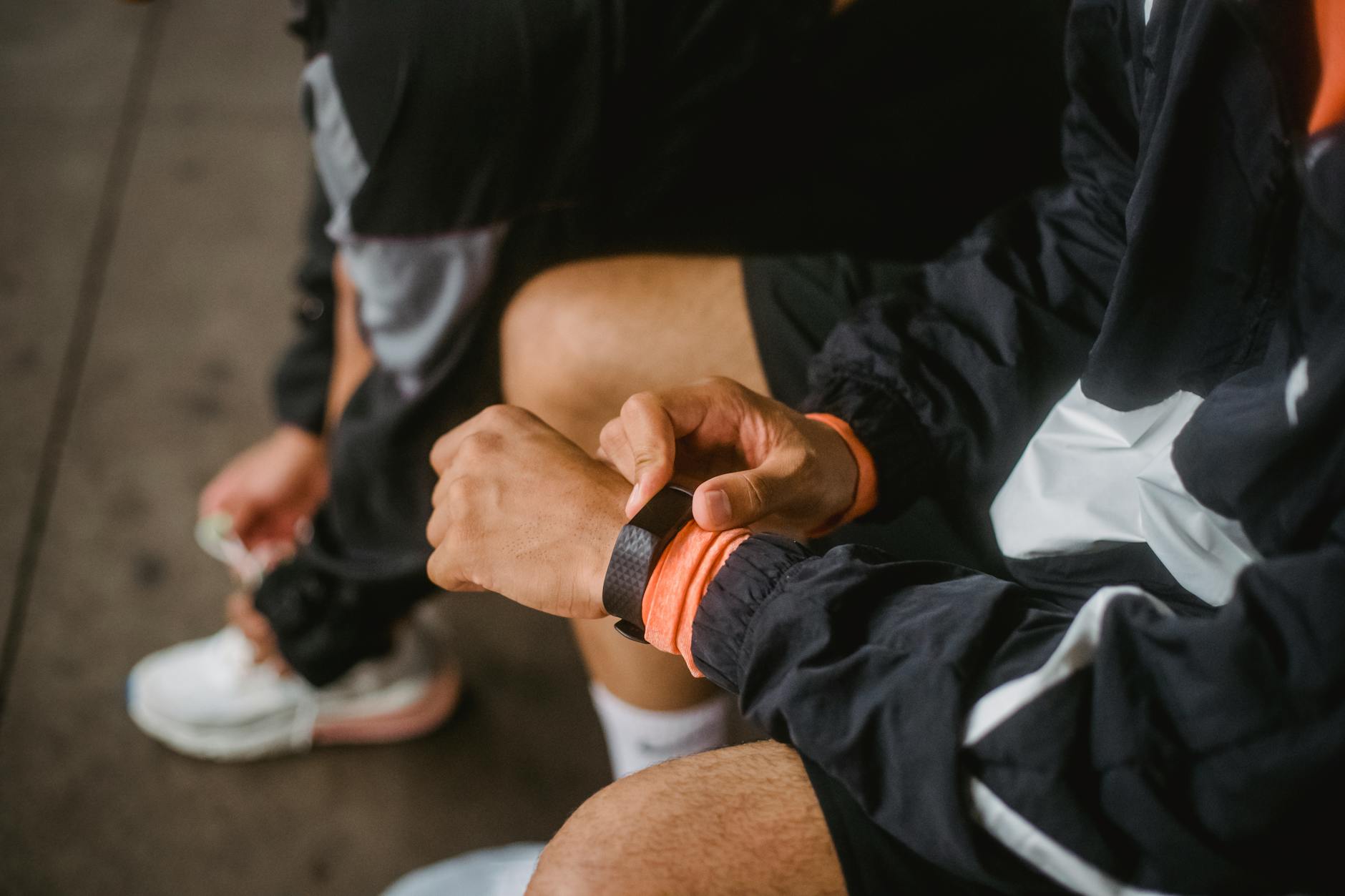
Your Apple Watch tracks your steps, heart rate, sleep, and blood oxygen.
But water? You’re on your own.
Apple hasn’t added a native water tracking feature. So here’s how to actually track hydration from your wrist.
Option 1: Shortcuts + Complications
You can create a Shortcut that logs water to the Health app.
Steps:
- Open Shortcuts app
- Create new Shortcut
- Add “Log Health Sample”
- Select “Water” as the type
- Set amount (e.g., 8oz or 250ml)
- Add to Watch face as a complication
Pros: Free. Native integration.
Cons: Clunky. Shows as a generic shortcut icon. No reminders. No visualization.
Option 2: Health App (Manual)
You can log water directly in Apple Health.
Steps:
- Open Health app
- Go to Browse → Nutrition → Water
- Add Data
- Enter amount
Pros: Free. Built-in.
Cons: Can’t do it from Watch. Tedious. No reminders. Nobody actually does this.
Option 3: Water Tracking Apps
Here’s where it gets useful.
WaterMinder
- Apple Watch app with complications
- Quick-add buttons (8oz, 16oz, etc.)
- Customizable goals
- $4.99
The catch: A lot of configuration up front. If you want to open an app and log a glass, it asks you a lot of questions first.
Drink Water Reminder
- Free version available
- Watch complications
- Basic tracking
The catch: Ads. Lots of ads.
Hydro Coach
- Calculates needs based on body weight
- Watch app + complications
- Syncs with Health app
The catch: The premium features require subscription.
WaterDrop — our own app
Disclosure first, before anything good about it: WaterDrop is our own app. We built it because the others were either too complex or too ad-heavy. Treat everything in this entry as the developer describing their own product, not as a neutral review, and weigh it against the three apps above rather than against our description of it.
- One-tap logging from Watch
- Smart reminders that know your schedule
- Clean complication
- Syncs to Apple Health
The catch: It is a young app with very few App Store ratings, so there is almost no independent verdict on it yet. It is deliberately narrow — plain water logging and reminders — so there is no body-weight goal calculator, no caffeine or other-drink breakdown, and no long-term analytics. The three apps above all do more than it does. And it is ours, so we are the last people you should take a recommendation from.
The Best Apple Watch Setup
Here’s what I recommend:
-
Watch face: Use one that supports complications (Modular, Infograph, or California)
-
Complication: Add your water tracking app for one-tap logging
-
Notifications: Set smart reminders that account for your sleep schedule and busy times
-
Goal display: Have your progress visible on your Watch face
Quick Logging Tips
- Raise to log: Most apps let you log without navigating menus
- Siri: “Log 8 ounces of water” works with apps that sync to Health
- Crown shortcut: Double-tap the Digital Crown to jump to your water app
The Problem With Most Watch Apps
They either:
-
Require too many taps. I’m not navigating 3 screens to log a glass of water.
-
Don’t sync properly. Log on Watch, not showing on phone. Frustrating.
-
Have annoying reminders. Pinging you during meetings or at 11pm.
-
Look ugly on the watch face. Generic icons that don’t match your aesthetic.
A good water tracking Watch app should:
- Log in 1 tap
- Show progress as a complication
- Send smart reminders (not spam)
- Sync perfectly with your phone
FAQ
Does Apple Watch track water intake automatically? No. Apple Watch can’t detect water consumption. You have to log manually.
What’s the best free water tracking app for Apple Watch? Drink Water Reminder has a free tier, but expect ads. Shortcuts is free but limited.
Can I see water intake on my Apple Watch face? Yes, using complications from supported apps.
Why doesn’t Apple have a built-in water tracker? Good question. They have sleep tracking but not water. Maybe one day.
How do I sync water data to Apple Health? Most water apps can write to Apple Health. Check the app’s settings and enable Health access.
Related reads:
- Best Water Reminder Apps for iPhone — full reviews
- Daily Water Intake Calculator — calculate your needs
- How to Actually Drink More Water — practical tips
Sources
- Institute of Medicine — Dietary Reference Intakes for Water
- Harvard T.H. Chan School of Public Health — The Nutrition Source: Water
This article is general information, not medical advice. Talk to a qualified professional about anything affecting your health.
— Dolce

Comments
Comments powered by Giscus. Sign in with GitHub to comment.