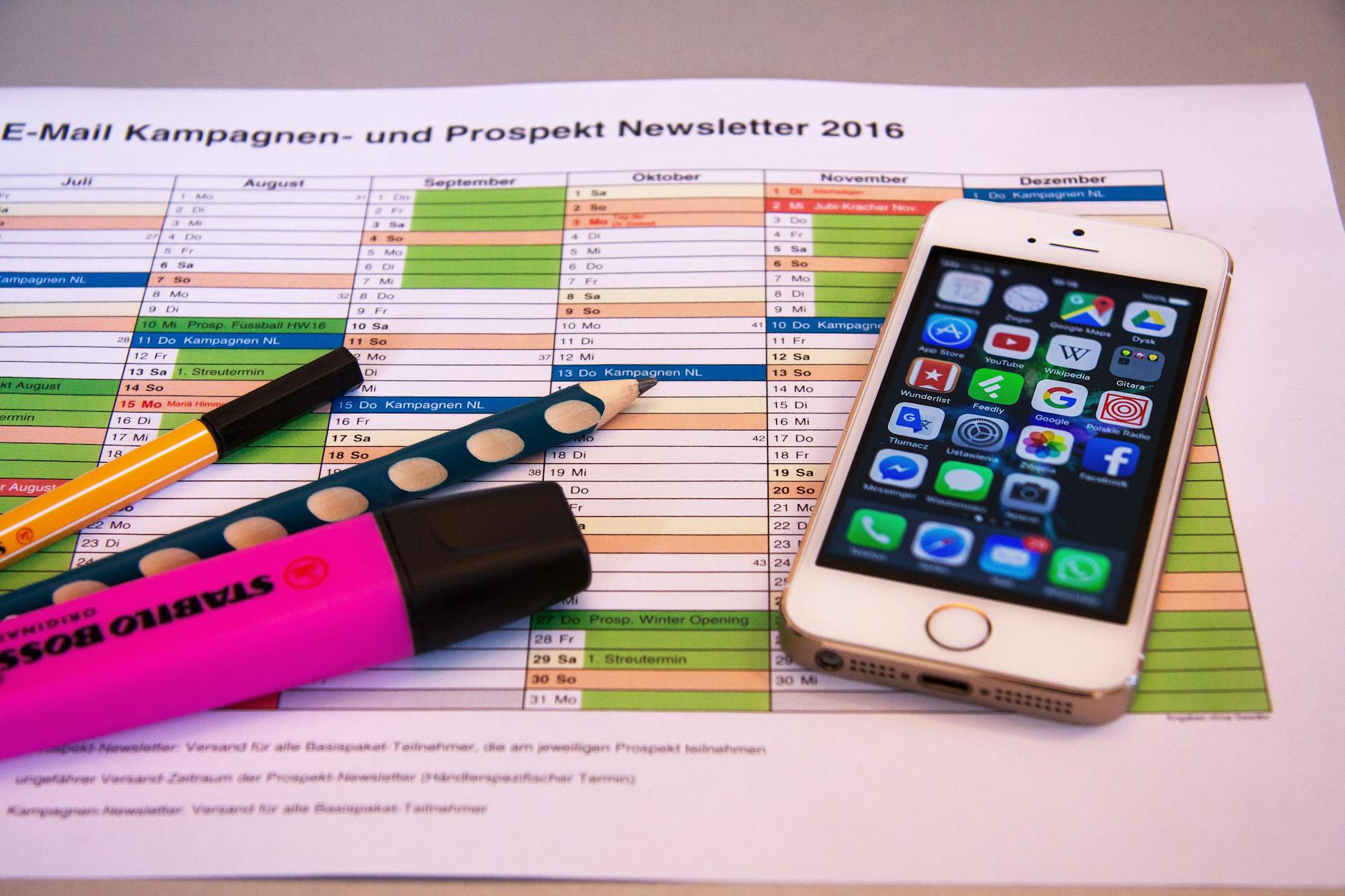
Your phone rings. A client texts. An email comes in. A team message pings. Four different apps, four different notification sounds, four different places to check. This is the fragmentation problem the Weave desktop app promises to solve.
And on paper, it looks like the answer. One unified platform for phone calls, texts, emails, faxes, and team chat. Install it on your desktop and never miss a client communication again. That is the pitch.
But after months of real-world use across multiple small business environments, the truth is more complicated.
What the Weave Desktop App Actually Does
Weave started as a communication platform for healthcare practices -- dentists, optometrists, veterinarians. It has since expanded to serve other small businesses, but its DNA is still firmly rooted in appointment-based service businesses.
The weave desktop app bundles several features into one interface:
- VoIP phone system with call recording and routing
- Two-way texting from your business number
- Email marketing with basic templates
- Online scheduling and appointment reminders
- Digital faxing (yes, some industries still need this)
- Team chat for internal communication
- Payment processing with text-to-pay links
The idea is consolidation. Instead of paying for a phone system, a texting platform, an email tool, and a scheduling app separately, you pay Weave one fee and get everything.
Where Weave Delivers
The phone integration is genuinely good. When a patient or client calls, their history pops up on your screen before you answer. Name, last appointment, outstanding balance, recent messages. Your receptionist sounds like she has photographic memory. That caller ID integration alone justifies the platform for busy front desks.
Two-way texting from a business line is another strong point. Clients reply to appointment reminders. Staff respond without giving out personal numbers. The conversation history lives in one place, attached to the client record. This solves a real problem that most businesses hack together with personal phones and scattered message threads.
The missed call text-back feature is clever. Someone calls, you are busy, they automatically get a text saying "Sorry we missed your call, how can we help?" It recovers leads that would otherwise evaporate. For service businesses, this feature pays for itself.
Where It Falls Short
Here is where honesty matters more than hype.
The desktop app itself is resource-heavy. Multiple users report it consuming 500MB or more of RAM while running in the background. On older machines or Macs with limited memory, this creates noticeable slowdowns. For a communication tool that needs to run all day, that footprint is too large.
Email marketing is basic. If you are comparing it to dedicated email platforms, Weave's email tools feel like an afterthought. Limited templates, minimal automation, basic analytics. It checks the box but does not compete with purpose-built tools.
Pricing lacks transparency. Weave does not publish pricing on their website. You have to talk to sales. That is a red flag in 2026. When a company hides pricing, it usually means the number varies based on how much they think you will pay.
Customer support is inconsistent. Browse any review aggregator and you will find a pattern: great onboarding experience, frustrating ongoing support. When things break -- and software always breaks -- response times can stretch for days.
The Bigger Question: Bundled vs. Best-in-Class
This platform represents a philosophical choice every business faces. Do you want one tool that does everything adequately, or multiple tools that each do one thing exceptionally?
Bundled solutions save time on integration. You log into one dashboard. One vendor to contact. One bill to pay. For a four-person dental office, that simplicity has real value.
But best-in-class stacks give you more power at each layer. A dedicated VoIP provider, a dedicated texting platform, a proper CRM. More tools to manage, but each one is better at its specific job.
The right answer depends on your team size and technical comfort. Under ten employees with no IT person? Bundled probably wins. Growing team with someone who can manage integrations? Best-in-class will serve you better long-term.
Building a Productive Desktop Setup
Whether you choose Weave or assemble your own stack, the underlying principle is the same: reduce the number of places you need to look. Every additional app, tab, and notification source fragments your attention.
This applies beyond business communication. Your personal productivity desktop matters too. A clean setup with a focused timer for deep work blocks, a single task manager, and intentional notification settings will outperform a cluttered desktop every time.
The Focus Timer app pairs well with any communication platform because it creates protected blocks where notifications are silenced. Take calls and answer texts during break periods. Do actual work during focus blocks. This rhythm prevents the reactive mode that communication tools can trap you in.
The Onboarding Question
Switching your business communication platform is not like downloading a new notes app. It is a migration. Phone numbers need porting. Staff need training. Clients need notifying. The switching cost is real, which means choosing wrong is expensive.
Before committing to any platform, run a two-week trial with your actual workflows. Not a demo with a sales rep walking you through ideal scenarios. A real trial where your receptionist uses it for actual patient calls, your office manager sends real appointment reminders, and you see how the system handles a busy Monday morning.
Most communication platform regret comes from skipping this step. The demo looked perfect. The reality introduced friction nobody anticipated.
The Verdict on Weave
The weave desktop app solves a real problem for a specific audience. If you run an appointment-based service business with under ten employees and you want one platform instead of five, it is worth a demo. The phone integration and missed-call texting are genuinely useful.
But do not adopt it because the sales pitch was slick. Test it against your actual workflows. Make sure the desktop app runs smoothly on your hardware. Get pricing in writing before committing.
And remember: the best communication tool is worthless if you spend all day reacting to messages instead of doing meaningful work. Consolidation is only half the battle. Discipline is the other half.
-- Dolce

Comments
Comments powered by Giscus. Sign in with GitHub to comment.