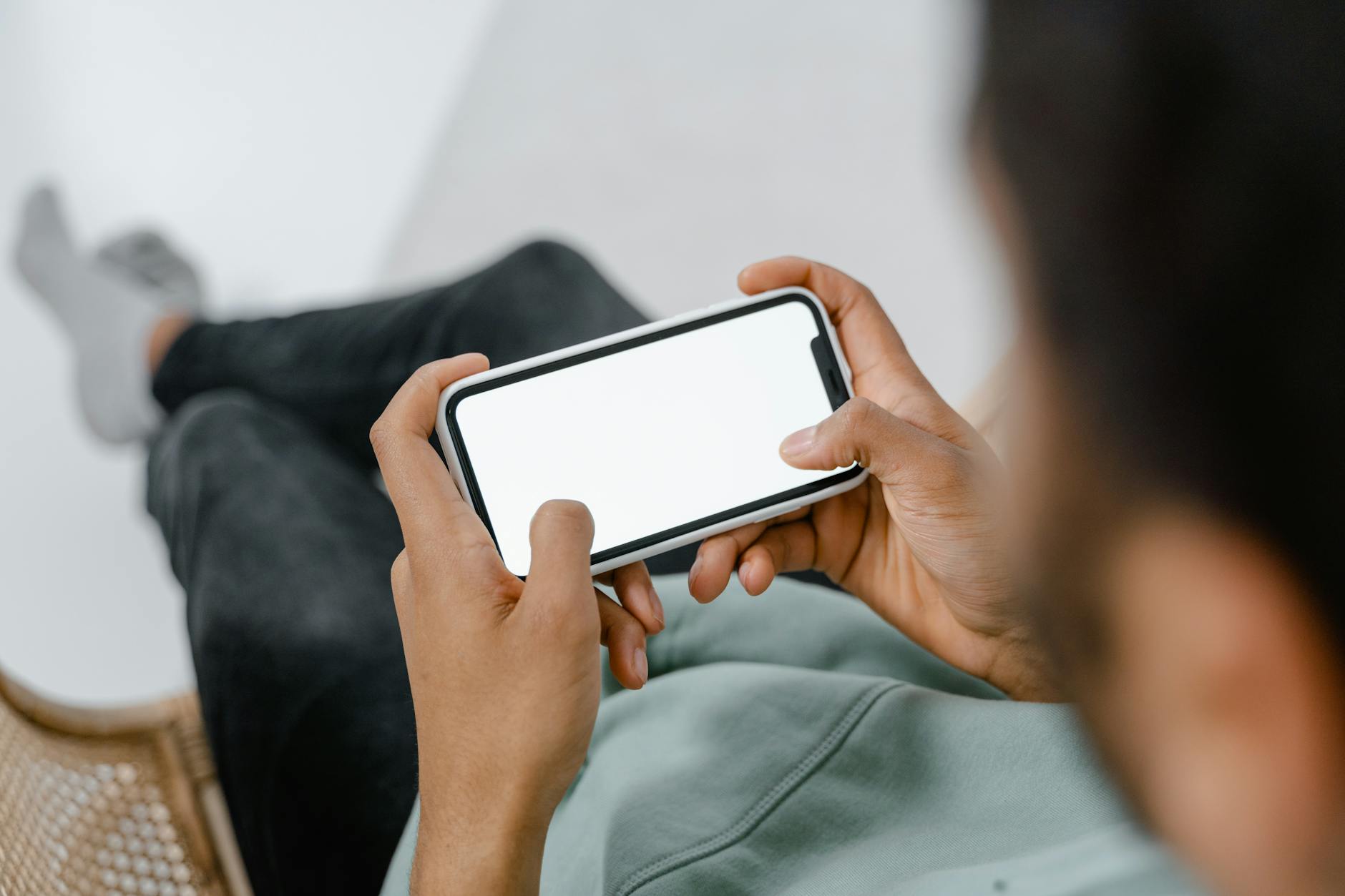
Yes, it’s absurd to install an app to use your phone less. Do it anyway if it works.
The phone is engineered by very well-paid people to hold your attention. Deciding to try harder is not a strategy against that. Changing what your phone does when you reach for it is.
Here are nine apps that change it, grouped by which part of the problem they attack.
How this list is sourced
I have not run all nine of these for a month each, and you should be sceptical of any blog that says it has.
What I have verified is the checkable part. Every app name, developer, star rating and rating count below was pulled from the US App Store on 11 August 2026. How each app behaves comes from its own store listing and documentation.
Prices are mostly out of the table on purpose. All nine are free to download and charge through subscriptions that change by region and by promotion, so any figure here would be stale within months. Where a price is genuinely useful — Opal’s, because it’s the most expensive thing on this page — I’ve cited the developer’s own pricing page.
About the statistic you were expecting here
The old version of this article opened by telling you the average person checks their phone 96 times a day and picks it up without reason 58 times.
I’ve cut both. Those numbers trace back to marketing surveys run by companies selling phone-related products, the figure changes wildly depending on who’s publishing — 58, 96, 150, 344 — and none of it describes you.
You don’t need a statistic. Open Settings, look at your own Screen Time report, and you have a real number about a real person. That number is the only one that should influence what you do next.
What digital minimalism actually means
Cal Newport, who coined the term, defines it as “a philosophy that helps you question what digital communication tools (and behaviors surrounding these tools) add the most value to your life” (source).
Note what that isn’t. It isn’t “use your phone less” as a virtue in itself. It’s deciding what earns a place and then cutting the rest without guilt. An hour of video calls with someone you love is not the same hour as reflex-scrolling a feed, even though Screen Time counts them identically.
Pick your category first
Most “best digital minimalism app” lists throw a dozen apps at you and no way to choose. There are really only four answers, and they depend on why you pick the phone up.
- You genuinely don’t know how bad it is → start with awareness, not blocking
- You’re not resisting an urge, you’re on autopilot → friction beats blocking
- You’ve tried friction and you bypass it every time → you need a hard block
- You want the phone itself to be boring → change the home screen, not the apps
Pick one. Installing four of these at once is a very reliable way to uninstall all four by Friday.
Quick comparison
Developers and ratings verified on the US App Store, 11 August 2026. All are free to download.
| App | Developer | Rating | Ratings | Approach |
|---|---|---|---|---|
| ScreenZen | ScreenZen LLC | 4.9 | 47,105 | Friction, free |
| one sec | riedel.wtf apps S.L. | 4.8 | 23,330 | Friction |
| Jomo | Jomo | 4.8 | 2,289 | Friction and schedules |
| Roots | MWM | 4.8 | 2,460 | Friction with goals |
| Opal | OPAL OS CORPORATION | 4.7 | 85,634 | Hard blocking |
| Clearspace | Clearspace Technologies, Inc. | 4.7 | 8,776 | Blocking plus a cost |
| Minimalist Launcher | Ankit Kumar | 4.7 | 3,430 | Boring home screen |
| Blank Spaces Launcher | Ecstasis LLC | 4.6 | 8,117 | Boring home screen |
| Dumb Phone (dp) | Tigas Industries Pty Ltd | 4.6 | 3,570 | Boring home screen |
Start here: the built-in tools (not counted in the nine)
Before you install anything, iOS Screen Time and Android Digital Wellbeing already do most of the tracking, app limits, downtime scheduling and focus modes. They cost nothing, they run at system level, and they’re already on your phone.
They are also trivially easy to override, which is precisely why the paid apps exist. But if you haven’t yet looked at your own numbers, everything below is premature.
These are OS settings, not apps, so they don’t count towards the nine.
If the problem is reflex, not willpower
This is the most interesting category in the whole space and the one most people skip straight past. Instead of blocking an app or shaming you, these put a deliberate pause between the reach and the payoff. You open Instagram, something makes you wait a few seconds and confirm you meant it, and a lot of the time you close it instead.
It works because most phone use isn’t a decision you lost. It’s a decision you never made.
1. ScreenZen — 4.9 stars, 47,105 ratings
The highest-rated app on this page, across a serious number of ratings, and free. Configurable pauses before chosen apps open, plus limits on how many times you can open them.
If you’re going to try exactly one thing from this article, try this, because it costs nothing to find out whether the friction approach works on your brain.
2. one sec — 4.8 stars, 23,330 ratings
The app that popularised the mechanic. It adds a breath-length delay before a chosen app opens, then asks whether you actually want to continue, and shows you how often you backed out.
Pick this over ScreenZen if you want the interruption to be a specific, deliberate breathing beat rather than a configurable timer.
3. Jomo — 4.8 stars, 2,289 ratings
Friction plus scheduling. Built for people who want rules attached to times — no social media before 10am, nothing after 9pm — rather than one blanket setting all day.
4. Roots — 4.8 stars, 2,460 ratings
Same friction idea, framed around goals and reflection rather than pure blocking. From MWM. Small rating count, so less battle-tested than ScreenZen or one sec.
If you need an actual lock
5. Opal — 4.7 stars, 85,634 ratings
The most-rated app on this page. Real blocking with scheduled sessions, difficulty levels that make unblocking deliberately painful, and screen time reporting.
Two corrections to what other articles say about it:
It is not iPhone-only. Opal’s own pricing page lists iOS, Android and Mac.
It is not $99 a year with no alternative. There’s a free tier with one rule, basic timers and app blocking. Pro is $99.99 billed annually at the time of writing, with monthly and lifetime options too. That makes Pro the most expensive commitment on this page by a wide margin, and it’s worth trying the free tier before you sign up for it.
One honest caveat that applies to every blocker here: no iOS blocker is truly unbypassable. A determined person can undo any of them. Anyone claiming otherwise is selling something. The value is in making the detour annoying enough that the impulse passes, which is usually enough and occasionally isn’t.
6. Clearspace — 4.7 stars, 8,776 ratings
Blocking with an added cost to opening the app anyway, which is a different psychological lever from a simple pause. Worth a look if friction apps stopped working on you but a full block feels too blunt.
If you want the phone itself to be boring
These don’t block anything. They make the phone less rewarding to look at, which is a slower and more durable fix.
7. Blank Spaces Launcher — 4.6 stars, 8,117 ratings
Replaces the visual clutter of a home screen with, essentially, nothing. The apps still exist. They just stop advertising themselves at you every time you unlock.
Note: it’s free to download, contrary to older articles listing it as a paid app.
8. Dumb Phone (dp) — 4.6 stars, 3,570 ratings
A text-only launcher that makes an iPhone behave more like a device from 2008. The most committed option in this group.
9. Minimalist Launcher — 4.7 stars, 3,430 ratings
A stripped-back launcher with a short list of essentials and nothing else. Same idea, lighter touch.
About grayscale
Switching your screen to black and white is free, takes ten seconds, and shows up in every article like this one.
I’m not going to tell you it’s scientifically proven, because I can’t cite that. What I can tell you is that it costs nothing and you’ll know within a week whether it does anything for you. Settings → Accessibility → Display & Text Size → Color Filters → Grayscale. Better still, bind it to the Accessibility Shortcut so you can triple-click your way in and out.
Treat it as a cheap experiment, not a fact.
Android and desktop
Everything above was verified against the US App Store, so the ratings and developer names apply to iOS. Several of these apps also ship on Android — Opal states iOS, Android and Mac on its own pricing page — but I have no way to verify Google Play ratings with the same method, so I’m not going to quote numbers I haven’t checked.
Android’s own advantage is that custom launchers are a first-class feature there rather than a workaround, so the “boring home screen” category is genuinely stronger on Android than on iOS.
Desktop is the gap nobody covers. Most of your distraction probably happens on a laptop, and almost none of this tooling touches it. Opal covers Mac. Beyond that, look at browser-level blocking rather than phone apps.
The changes that beat any app
Blunt: the apps are the smaller half of this. These cost nothing.
Delete the social apps and use the browser instead. Mobile web versions are worse on purpose, and logging back in every time is exactly the kind of friction the paid apps are trying to manufacture. I’m not going to claim a percentage for how much this reduces usage, because I’ve never seen a credible one. Try it for a week and read your own Screen Time report.
Turn off almost every notification. Not “manage” them. Off. Calls, messages from a short favourites list, calendar. Everything else can wait until you look.
Charge the phone in another room. This single change decides both your last thirty minutes awake and your first thirty awake, which is more than any blocker gets you.
Make the home screen boring by hand. Calendar, notes, maps, camera, phone, messages. Everything else lives in search or a folder. Free, no app required, takes five minutes.
Set two or three phone-free windows and defend them. Meals, the first hour, the last hour. Rules you actually keep beat rules you configure and override.
The part apps can’t fix
Every tool on this page treats the symptom. The reason you reach for the phone is usually somewhere else.
Worth sitting with:
- What am I avoiding right now?
- What would I be doing if this device didn’t exist?
- Is this use intentional, or is it just what my hand does?
Digital minimalism isn’t deprivation and it isn’t a screen-time scoreboard. It’s deciding what earns a place, then removing the friction from that and adding friction to everything else.
FAQ
What’s the best free digital minimalism app? ScreenZen. 4.9 stars across 47,105 ratings, free to download, and it uses the friction approach that tends to work for people who are on autopilot rather than actively fighting an urge.
Is Opal worth $99 a year? Try the free tier first. It gives you one rule and basic blocking, which is enough to find out whether hard blocking works on you before committing to the most expensive subscription on this page.
Can any iPhone app really stop me opening Instagram? Not absolutely. Every iOS blocker can be undone by someone determined. They work by making the detour long enough that the impulse passes.
Do I need an app at all? Probably not to start. Read your Screen Time report, delete two apps, turn off notifications, and charge the phone in another room. If you still can’t get where you want, then install something.
How long until it feels normal? Longer than a week, shorter than you fear. Expect the first few days to feel genuinely uncomfortable — that discomfort is the information, not the problem.
Does grayscale work? Some people find it makes a big difference and some notice nothing. It’s free and reversible in ten seconds, so it’s a cheap thing to test rather than something to argue about.
Sources
- Cal Newport, On Digital Minimalism
- Opal, Pricing
- App names, developers, ratings and download prices: US App Store, 11 August 2026
Related reads:
- 9 Forest App Alternatives That Actually Work — focus timers and blockers in depth
- Focus Apps That Block Distractions (Free) — the free options
- Concentration Apps for Students — student-specific picks
- Why Your Habits Don’t Stick — the underlying problem
— Dolce
Comments
Comments powered by Giscus. Sign in with GitHub to comment.