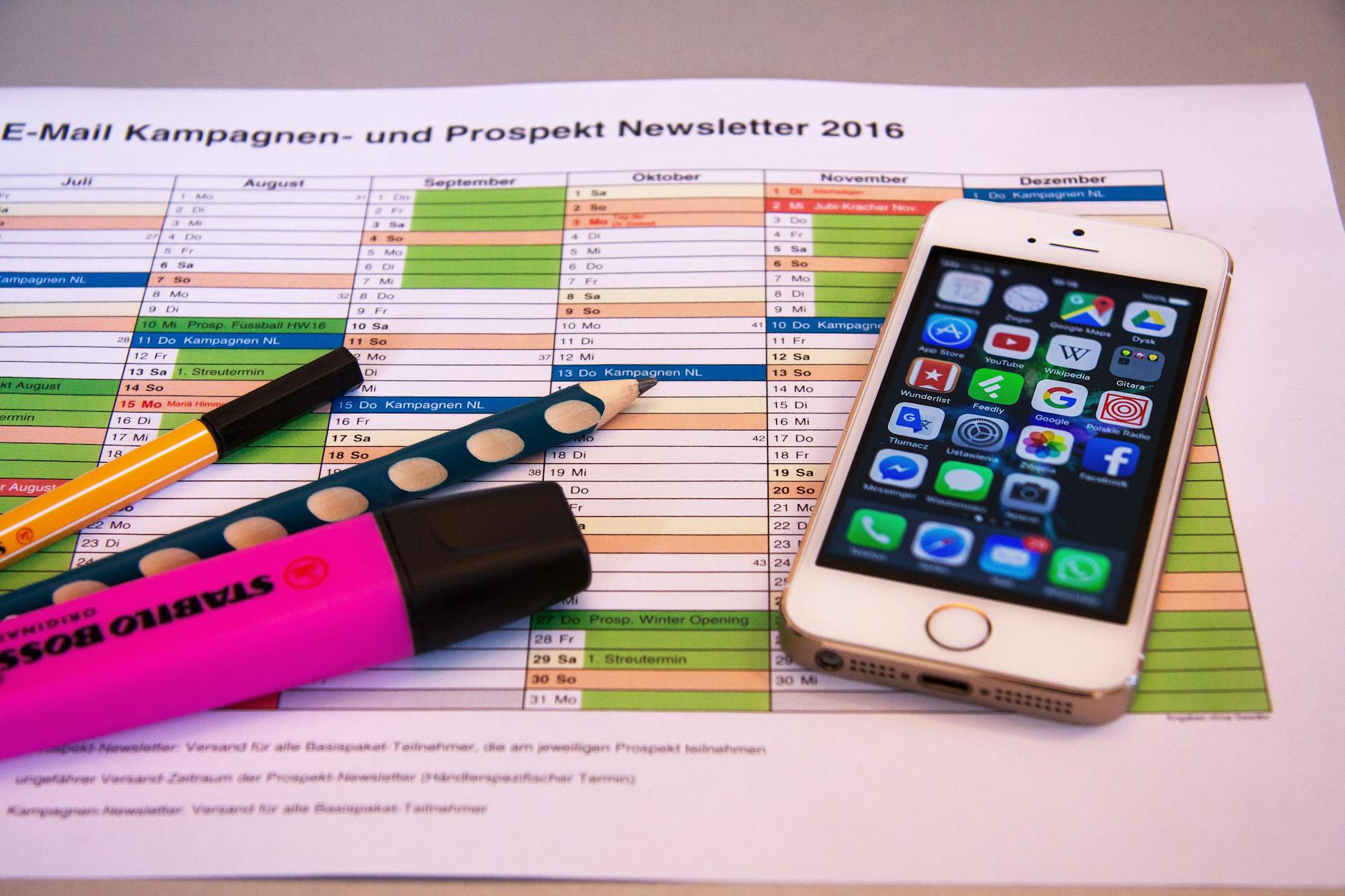
Essential Apps You Actually Need on Your Phone
You have 80 apps on your phone. You use 12. The rest are digital clutter eating your storage and your attention. The essential apps on your phone should earn their spot. If an app does not save you time, make you money, or improve your health, delete it.
This is not a listicle of 50 apps you will never install. This is a tight list of what actually belongs on your phone, organized by what they do for your life.
Productivity: The Apps That Save You Time
Your phone is either a productivity tool or a productivity killer. There is no middle ground. These tools push it toward the tool side.
A task manager. Todoist, Things 3, or even Apple Reminders. Pick one. Use it for everything. The best task manager is the one you actually open. If you are constantly forgetting things or dropping balls, this is your fix.
A calendar. Google Calendar or Fantastical. Your calendar is not optional. If it is not on the calendar, it does not exist. Block time for deep work, not just meetings.
A note-taking app. Notion, Obsidian, or Apple Notes. Capture ideas when they hit. Do not trust your memory. Your memory is terrible. Everyone's is.
A focus timer. This is the one most people skip, and it is the one that changes everything. A dedicated focus timer forces you to work in blocks instead of constantly switching between tasks. The Pomodoro technique is the simplest version of this: 25 minutes on, 5 minutes off. It works.
A password manager. 1Password or Bitwarden. If you are reusing passwords in 2026, stop. A password manager generates unique passwords for every account and auto-fills them. Setup takes 30 minutes. It saves you from getting hacked.
Fitness: The Apps That Keep You Moving
You do not need 10 fitness apps. You need two at most.
A workout tracker. Something that logs your exercises, sets, reps, and weights. Progressive overload requires data. You cannot improve what you do not measure. GymCoach handles this cleanly without overwhelming you with features you do not need.
A step counter. Your phone has one built in. Use it. 8,000 to 10,000 steps daily. This is the single easiest health intervention that exists. No gym required. Just walk.
That is it. You do not need a separate app for abs, a separate app for stretching, and a separate app for meal planning. A solid home workout guide and a tracking app cover 90 percent of what most people need.
Finance: The Apps That Protect Your Money
Your bank's app. Obviously. Mobile check deposit, instant transfers, transaction alerts. If your bank has a terrible app, switch banks. It is 2026.
A budgeting app. YNAB or Copilot. You need to know where your money goes. Not roughly. Exactly. Most people are genuinely shocked when they see their actual spending broken down by category for the first time.
A payment app. Venmo, Zelle, or Cash App. Pick whatever your friends and family use. Carrying cash is not necessary anymore, but being able to send money instantly is.
Communication: The Essential Apps for Staying Connected
You need fewer communication apps than you think.
Messages and phone. Already on your device. Shocking how many people forget these exist.
One messaging app. WhatsApp, Signal, or Telegram. Not all three. Pick the one your people use. Having four messaging apps means you check four inboxes. That is four times the distraction.
Email. Gmail, Spark, or the native mail app. Process email in batches, not in real time. Turn off notifications for email. Nothing in your inbox is that urgent.
Utilities: The Invisible Essential Apps
These are the apps you never think about until you need them.
Weather. Apple Weather or Carrot Weather. Check it once in the morning. That is all.
Maps. Google Maps or Apple Maps. Navigation, finding restaurants, checking business hours. This is genuinely one of the most useful apps on any phone.
A scanner. Turn paper into PDFs with your phone camera. Adobe Scan or your phone's built-in scanner. Every receipt, document, and business card should be digital.
Cloud storage. iCloud, Google Drive, or Dropbox. Your photos and important files should be backed up automatically. Losing your phone should not mean losing your data.
The Deletion Rule
Here is a rule that keeps your phone lean: if you have not opened an app in 30 days, delete it. You can always reinstall it if you actually need it. You almost never will.
Go through your home screen right now. Be ruthless. Every app is a potential distraction. Every notification is an interruption. The fewer apps you have, the more intentional your phone use becomes.
Setting Up Your Phone for Focus
Once you have your core apps locked in, organize them intentionally. Put productivity tools on your home screen. Bury social media in a folder on the last page. Turn off badge notifications for everything except messages and calls.
Set up focus modes. Most phones now support scheduled Do Not Disturb or focus profiles. Create one for work hours that silences everything except calls from your favorites list. Create one for sleep that blocks everything.
Widget placement matters too. A calendar widget on your home screen keeps your schedule visible without opening an app. A task widget keeps your to-do list front and center. Replace the social media scroll reflex with a glance at what actually needs doing.
The goal is to make productive behavior the path of least resistance. When the useful apps are easy to reach and the distracting ones are hidden, your default behavior shifts. You check your tasks instead of your feed. You open your focus timer instead of browsing. Small friction changes create big behavior changes over time.
Your phone is the most powerful computer most humans have ever owned. Treat it like a tool, not a toy. Install the essential apps. Delete everything else.
-- Dolce


Comments
Comments powered by Giscus. Sign in with GitHub to comment.