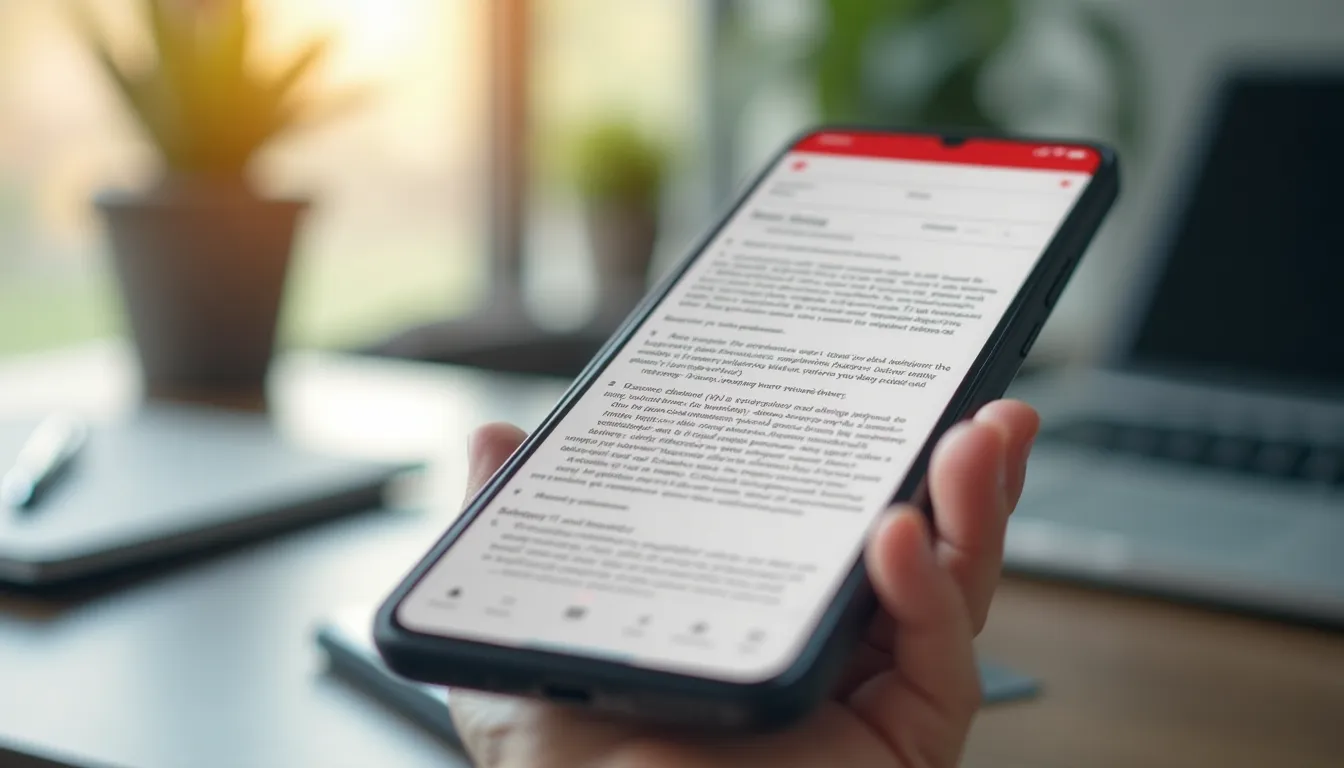
Someone emails you a contract.
“Sign and return by end of day.”
You’re not at your computer. You’re at a coffee shop. Or on your couch. Or literally anywhere except in front of your laptop.
Now what?
The PDF nightmare
I’ve been here. The options suck:
Option 1: Wait until you get home. Miss the deadline. Look unprofessional. Lose the deal.
Option 2: Try to sign on your phone. Download the PDF. Email won’t open it properly. Find a PDF app. It wants $15/month. Try another. It’s ad-infested garbage. Finally sign something. Quality is terrible. Give up.
Option 3: Print, sign, scan, email. What year is this?
In 2025, we can order anything to our door in hours but we can’t sign a document on our phones. Absurd.
What I actually needed
A PDF app that:
- Opens any PDF instantly
- Lets me add my signature (and saves it for next time)
- Fills form fields without glitching
- Merges documents when needed
- Doesn’t require a subscription for basic features
That’s it. Not a “document management platform.” Just a tool that handles PDFs properly.
So I built PDFast
PDFast does what the name says. Fast PDF handling.
- Scan documents with your camera. Edge detection built in.
- Sign PDFs with your finger or saved signature.
- Fill forms that actually work.
- Merge and split documents in seconds.
- Export anywhere — email, cloud storage, messages.
No subscription. No ads. No “premium” upsells for basic features.
The business case
Think about how much of business still runs on PDFs.
Contracts. Invoices. Forms. Applications. Agreements.
Every time you can’t handle one on your phone, you’re blocked. Deals slow down. Paperwork piles up. You look like someone who can’t figure things out.
A good PDF app isn’t a luxury. It’s infrastructure.
Handle your documents. From anywhere.
Related reads:
- PDF Editing on Mobile — what actually works for signing, merging, and annotating
- Best Document Scanner Apps — turn your phone into a real scanner
— Dolce


Comments
Comments powered by Giscus. Sign in with GitHub to comment.