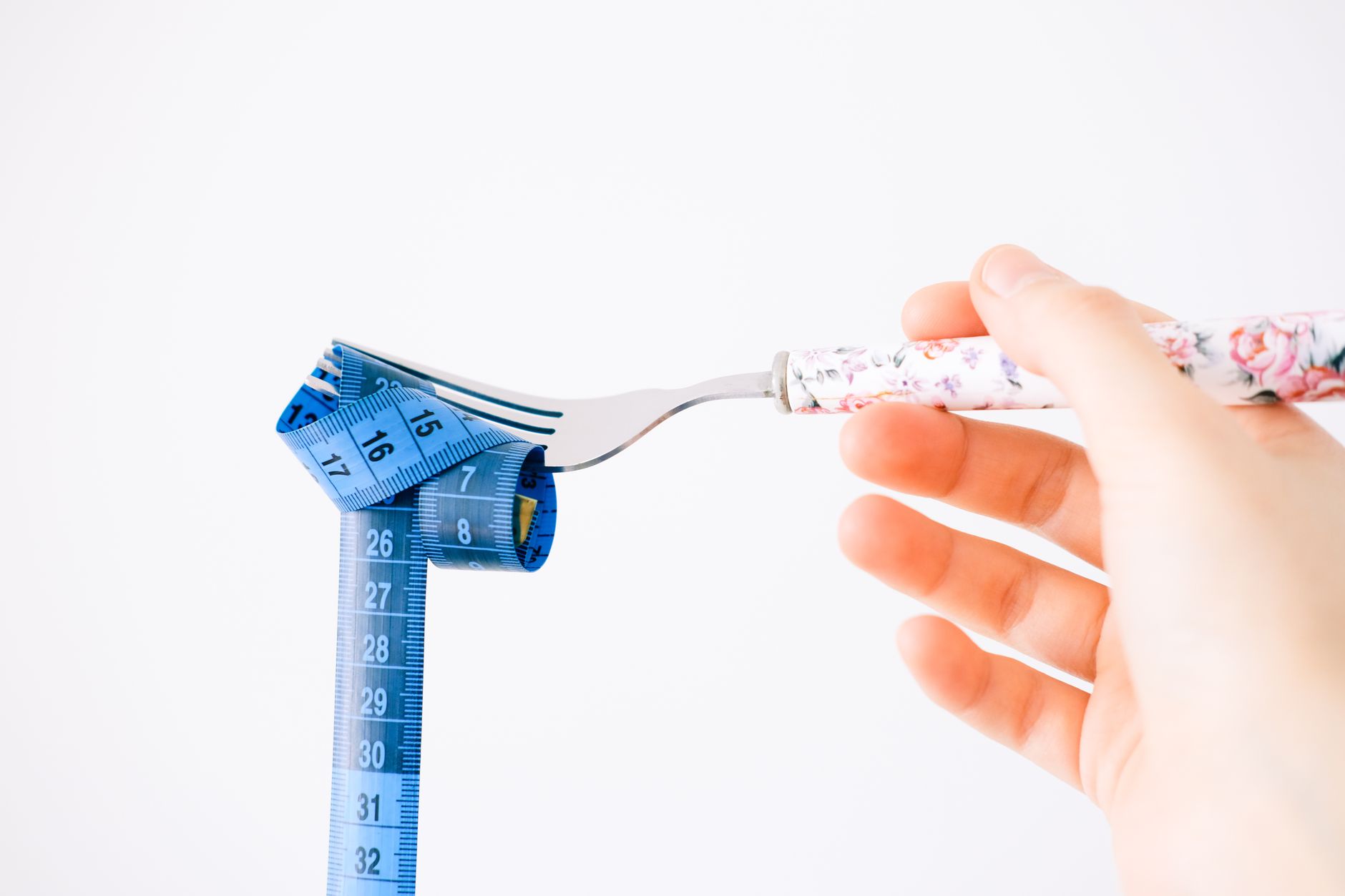
Fitness Pal Calorie Counter: A No-BS Setup and Strategy Guide
You've been told a hundred times that weight management comes down to "calories in, calories out." Fine. But actually tracking those calories? That's where most people fail. They download a fitness pal calorie counter, log meals for three days, get overwhelmed by the tedium, and quit. The app isn't the problem. The approach is.
Let me show you how to set up your calorie counter properly, avoid the common traps, and actually get results without losing your mind.
Setting Up Your Fitness Pal Calorie Counter the Right Way
Most people rush through the setup wizard and end up with garbage targets. Here's how to do it properly.
Step 1: Ignore the Default Calorie Target
The app's built-in calculator uses the Mifflin-St Jeor equation with a basic activity multiplier. It's a rough estimate at best. For a more accurate starting point, use a dedicated calorie calculator that accounts for your training style, body composition, and actual daily movement.
For reference, here are realistic calorie ranges for fat loss:
- Sedentary women: 1,400-1,700 calories
- Active women: 1,600-2,000 calories
- Sedentary men: 1,800-2,200 calories
- Active men: 2,000-2,600 calories
These are ranges, not prescriptions. Your number depends on your size, muscle mass, and activity level. Never go below 1,200 (women) or 1,500 (men) without medical supervision.
Step 2: Set Your Macros Manually
The default macro split (50% carbs, 30% fat, 20% protein) is wrong for most people trying to change their body composition. Set protein first — aim for 0.7-1g per pound of body weight. Then fill in fats (minimum 0.3g per pound for hormonal health) and let carbs take whatever's left.
For a 170-pound person eating 2,000 calories:
- Protein: 150g (600 cal)
- Fat: 60g (540 cal)
- Carbs: 215g (860 cal)
That's a 30/27/43 split. Much more useful than the default.
Step 3: Build Your Frequent Foods List
This is the cheat code nobody uses. Spend 20 minutes logging the 15-20 foods you eat most often. Save them as "frequent." Now your daily logging takes 2 minutes instead of 10. The speed difference is what keeps you consistent past week one.
The Accuracy Problem (and How to Fix It)
The fitness pal calorie counter database is massive — over 14 million entries. That's both its strength and its weakness. Many entries are user-submitted and unverified. I've seen entries for "grilled chicken" ranging from 120 to 280 calories per serving. That's not a rounding error. That's the difference between a deficit and maintenance.
Here's your accuracy protocol:
For packaged foods: Scan the barcode, then verify the entry matches the nutrition label on the package. Takes 5 seconds and catches bad data.
For whole foods: Search for USDA entries specifically. Type "USDA chicken breast" instead of just "chicken breast." These entries are verified and standardized.
For restaurant meals: Accept that you're estimating. Log the closest match and move on. Trying to be precise about restaurant food is a waste of mental energy. Assume it has 15-20% more calories than what's listed — restaurants use more oil and butter than you think.
Invest in a food scale. I'll keep saying it because it's the single biggest accuracy upgrade you can make. A $12 scale eliminates the guessing that adds 200-400 phantom calories to most people's daily logs.
Features Most People Overlook
Recipe Builder
You can input every ingredient in a recipe with exact quantities, set the number of servings, and get per-serving nutritional breakdowns. If you meal prep (and you should), build your 5-6 regular recipes once and reuse them forever.
Weekly Averages Over Daily Totals
Stop stressing about hitting exact numbers every day. What matters is your weekly average. If you eat 1,800 calories Monday through Friday and 2,400 on Saturday, your weekly average is still under 1,900. That's what drives results.
The Nutrition Tab Deep Dive
Beyond calories and macros, the app also tracks micronutrients — fiber, sodium, potassium, iron, vitamins. Most people never check these. But if you're eating 2,000 calories of technically "macro-friendly" processed food and your fiber is at 8g (you need 25-30g), that's a problem worth catching.
When Calorie Counting Backfires
I need to be honest about the downsides because the fitness community often glosses over them.
Obsessive tracking can trigger disordered eating. If you find yourself anxious about eating anything unlogged, avoiding social meals because you can't track them, or spending more than 10 minutes a day on the app, you've crossed a line. The tool should reduce stress about food, not increase it.
Accuracy plateaus. After 8-12 weeks of consistent tracking, most people have internalized portion sizes and calorie awareness well enough to estimate within 10-15% accuracy without an app. At that point, consider transitioning to intuitive eating with periodic tracking check-ins.
The "clean number" trap. Some people start choosing foods based on how easy they are to log rather than how nutritious they are. Packaged foods with barcodes are easier to track than a homemade vegetable stir-fry, but that doesn't make them better choices.
Smarter Alternatives for Different Goals
The fitness pal calorie counter isn't the only option, and it's not the best one for everyone.
If accuracy is your priority, Cronometer uses verified databases instead of user-submitted ones. Smaller food library, but what's there is reliable.
If simplicity is your priority, a straightforward calorie calculator app without the social feeds, blog posts, and premium upsells might be exactly what you need. Track your food, see your numbers, done.
If adaptive coaching is your priority, MacroFactor adjusts your calorie targets weekly based on your actual weight trend. It's the smartest algorithm in the space, though it comes at a monthly cost.
If you're primarily focused on body composition and training alongside your nutrition, pairing your food tracking with a solid workout program will get you to your goals faster than nutrition tracking alone.
The 30-Day Fitness Pal Challenge That Actually Works
Days 1-7: Log everything you eat without changing anything. Be brutally honest. This is data collection, not dieting.
Days 8-14: Review your baseline data. Identify your top 3 calorie sources. Make one substitution (swap sugary drinks for water, switch to lighter cooking methods, reduce portion size of your highest-calorie meal by 20%).
Days 15-21: Add a protein target. Most people are under-eating protein. Aim for 25-30g at each meal.
Days 22-30: Fine-tune. Look at your weekly averages. Adjust your daily target up or down by 100 calories based on how your weight is trending. If you're losing 0.5-1 pound per week, you're in the sweet spot.
After 30 days, you'll know more about your eating habits than most people learn in a lifetime. That knowledge is permanent, even if you stop tracking.
-- Dolce


Comments
Comments powered by Giscus. Sign in with GitHub to comment.